Sales and marketing ›

Sales Order Intake

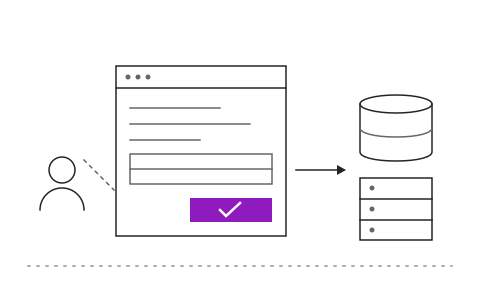
Customer purchase orders sent by email become sales orders in your system automatically.

Sales Order IntakeSample data

Purchase order PO-TPF-6712 for October

Wipawee Srisukwipawee@thaipackfood.co.thTo orders@siamplas.co.th09:14

Dear sales team,

Please find our October purchase order attached. Kindly deliver by 18 Oct to our Bang Phli warehouse.

Thank you

PO-TPF-6712.pdf184 KB

Go ahead and try it. This screen simulates the system with sample data.

Highlights

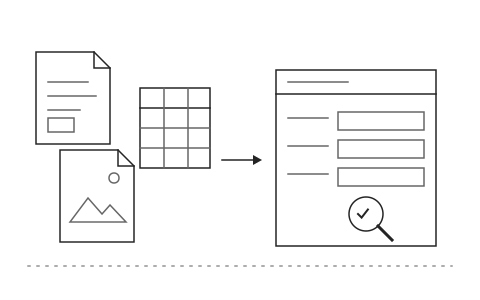
Reads PDFs, scanned images and each customer's own Excel format

Reads PDFs, scanned images and each customer's own Excel format

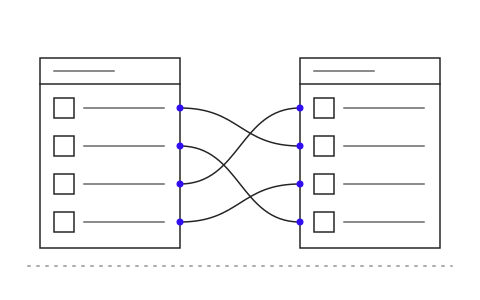
Matches customer product codes to your own codes

Matches customer product codes to your own codes

Sends orders to ERP or SAP once staff confirm

Sends orders to ERP or SAP once staff confirm

What Sales Order Intake is and how it helps your organisation

Customers send purchase orders by email as PDFs, scanned images or Excel files, and every customer uses a different layout. Staff open each one, key in product codes, quantities and prices by hand, dozens of times a day. Customer product codes rarely match your own, so mistakes slip in, the wrong item ships, and invoices have to be corrected afterwards.

The Khaojai IT order intake system pulls email straight from the sales mailbox. AI OCR reads POs in any format, including PDFs, scans and Excel, and extracts line items, quantities, prices and delivery dates into a draft sales order. It matches each customer's product codes to yours by learning from past orders and highlights anything uncertain for staff to check. Once confirmed, the sales order is posted to your ERP or SAP immediately.

After go-live, sales staff move from data entry to review and confirmation. Orders are in the system minutes after the email arrives, keying errors fall, and the warehouse can start picking sooner. Khaojai IT tunes the system to the PO formats of your key customers and connects it to the ERP you already run, with no need to replace it.

Questions buyers ask before starting

Can it read scanned or handwritten POs

Scanned images and system-generated PDFs read well. For handwriting or low-quality images the system reads what it can and always highlights uncertain items for staff to check before confirming.

How does it post orders to SAP or our ERP

It connects to SAP through standard APIs, and to other ERPs or existing databases through APIs or file exchange, depending on what that system supports. Your existing system is not modified.

What happens if the AI matches a product code incorrectly

Every sales order must be confirmed by a staff member before it reaches the ERP. Uncertain matches are highlighted for review, and when staff correct one, the system remembers that mapping for future orders.

How long does implementation take and can we start small

Typically 2 to 3 months. Most teams start with the large customers that send POs most often, then add other customers' formats as the team gets comfortable.

AI in this system

AI reads POs in any format and matches product codes and prices.

  1. 01Reads any PO formatExtracts PO number, delivery date, items, quantities and prices from customer files.
  2. 02Learns each customer's layoutLearns from staff corrections so the next PO from that customer is read more accurately.
  3. 03Checks prices and termsCompares PO prices with agreed prices and flags any lines that do not match.
  4. 04Flags uncertain fieldsHighlights data it could not read clearly so staff can check before confirming.

Works with the systems you already use

LINEMicrosoft 365Google WorkspaceSAPExcelExisting systems through APIs

Questions about Sales Order Intake?
Tell us about it

Describe the problem your organisation faces. Our team and AI will recommend the right software and help you think it through.